Staff Internal Messaging
PHP CRM have a feature of Staff Internal Messaging System which permits you never miss a minute and to communicate with your organization’s employee or staff. With the help of internal messaging system two staff members also can communicate with each other via internal message system. If you want to communicate with particular employee then you can use internal messaging system for communication.
This communication only seen by admin or employee for whom you send the message. And if you want to give reply regarding message then for this you get reply option here.
With Staff Internal messaging system two staff members communicate with each other. This conversation only seen by both staff members. Here you get the option of View Message where you can view all messages or conversations
To add a customer go to Customers -> Manage Customers, click on Add New Customer button, and submit the company details, billing address, shipping address, account settings and account login details of customer.

To manage the customer go to Customers -> Manage Customers and there you can view, edit or delete any customer.

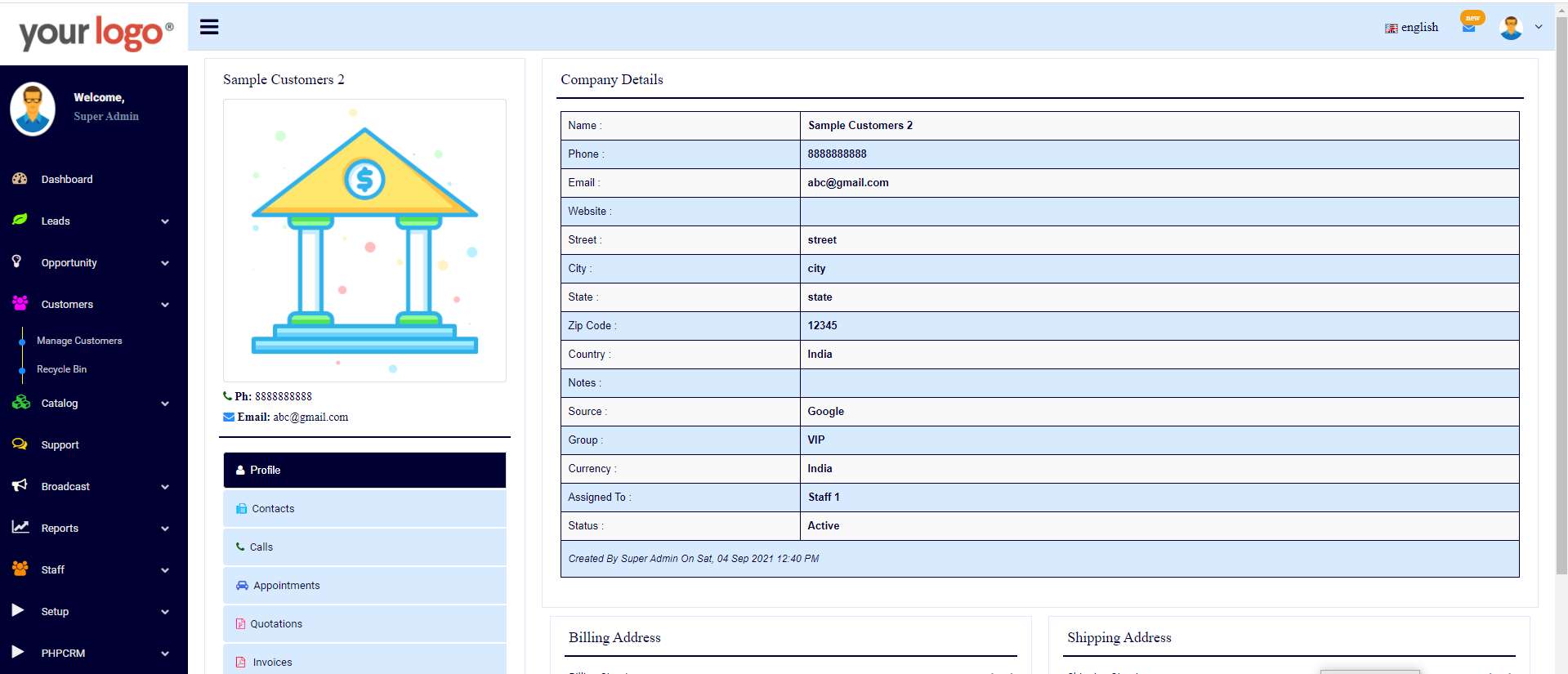
To view the profile of customer go to Customers -> Manage Customers, and here click on View Details button.