
- Lead Management System
- Customer Management
- Customer Follow up
- Appointment Management
- Files Management System
- Quote Management System
- Invoicing System
- Expense Management
- Inventory Management
- User Management System
- Work Management System
- Attendance Management System
- Customer Help Desk System
- Accounting Report System
- Tax Management System
- CRM Software Security
- Activity Management
- Email Marketing System
Adding a PHP CRM form to Facebook Page (For Generate Leads)
Adding forms to Facebook page is quick and easy.
Getting Your Form Code
You have to use the iframe embed method. Please follow this guide: Own page Redirect
Adding Iframe App to your Facebook Page
1. Go to your Facebook page and on the search bar enter “Static HTML: iframe tabs” or visit this link
https://apps.facebook.com/static_html_plus.
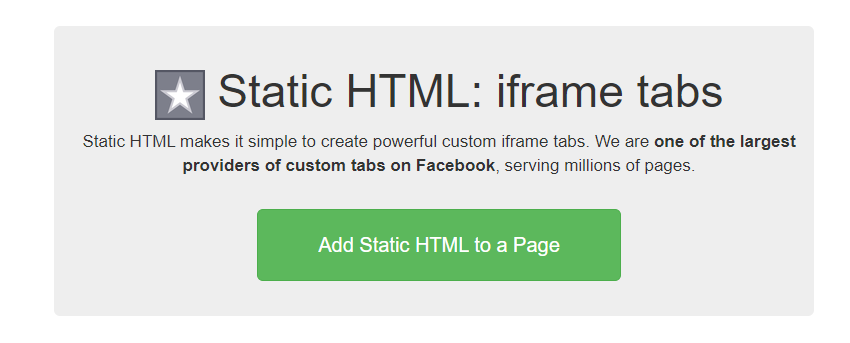
Click the “Add Static HTML to a Page” button
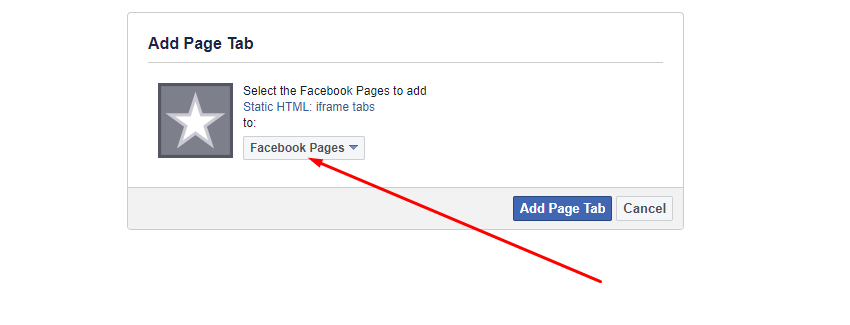
Choose your Facebook page to add the iframe tab and click the add button
Adding Form to Your Facebook Page
Go to your Facebook page and find the Custom Iframe App you just installed. It is usually found under More options named “Welcome” tab as seen on the screenshot below.

Setup Page

There are two options you can choose to display your form on your Facebook page. The first one (Public Content) makes it available to everyone while the second one (Fan Content) makes it available only to your Facebook fans, or users who liked your Facebook page. Make sure to publish your page afterwards. Check the following screenshot.

Save & Publish Form Value.